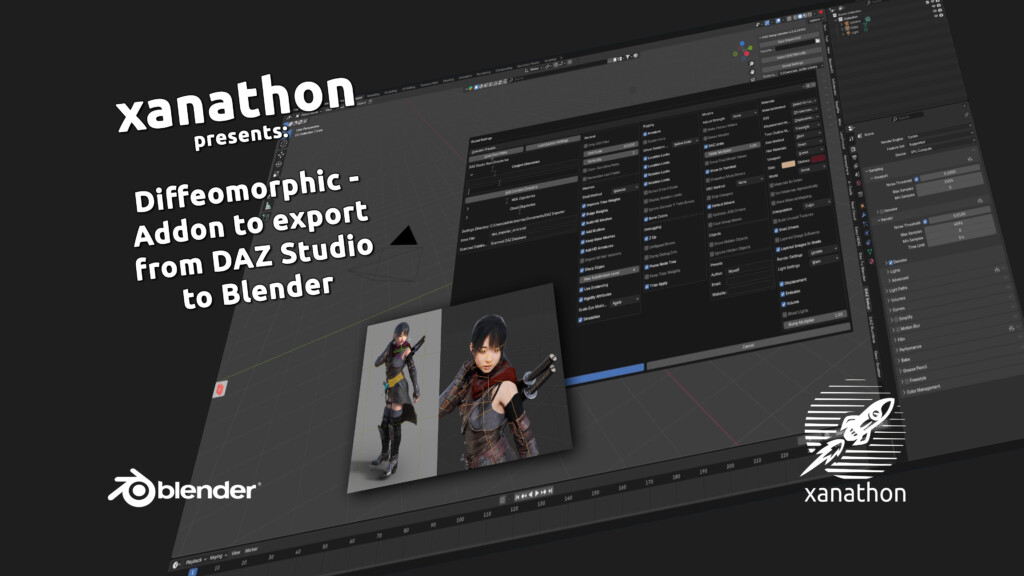
If you work in both DAZ Studio and Blender, you’ve probably tried the official DAZ-Blender bridge at some point. And if you have, you know the frustration. After all these years it still feels like a beta product. Shader conversion is a mess, the workflow is clunky, and you spend more time fixing things in Blender than actually rendering. For a long time I just accepted this as the price of using both tools.
Then I found Diffeomorphic.
Diffeomorphic is a free, open source addon consisting of two parts: a script that runs inside DAZ Studio, and an addon you install in Blender. Together they handle the entire export/import pipeline between the two applications. The current version is 5.1, which I use with Blender 5.1. It is not affiliated with DAZ 3D. It is a community project, developed and maintained independently, available on GitHub.
The official bridge has a fundamental problem: it was built to handle the most common use cases and not much else. Material conversion is the biggest issue. The Iray shaders DAZ uses don’t translate cleanly to Cycles or Eevee, and the bridge makes a lot of guesses that require significant manual correction. Complex scenes with multiple characters, hair, and clothing become a cleanup exercise rather than a creative workflow.
Diffeomorphic takes a completely different approach. Instead of guessing, it gives you control.
The shader conversion from Iray to Cycles is far more accurate. It handles edge cases that the official bridge ignores: subsurface scattering, transparency, specular maps, bump and normal maps. The results in Cycles are noticeably closer to what you see in DAZ Studio.
Beyond materials, the feature set is significantly broader. Character imports work cleanly with full morph support. Genesis 9, Genesis 8 and Genesis 3 are all supported. Morphs come through as shape keys in Blender, which means you can animate them directly. Environment and scene imports work too, not just characters. Static props, furniture and architecture all import correctly with their materials. Hair is always tricky in any DAZ to Blender workflow, but Diffeomorphic handles dForce hair better than the official bridge.
The options panel is where Diffeomorphic really shows its depth. You have granular control over what gets imported and how: mesh fitting, morph selection, material conversion settings, rigging options. It is not a black box. If something isn’t coming through correctly, you have the tools to adjust it.
I won’t pretend there isn’t a learning curve. Diffeomorphic has a lot of settings and the documentation takes time to get through. The first few imports will feel slow as you figure out your preferred workflow. But the learning curve pays off quickly. Once you have a working setup, importing a character or scene becomes a reliable, repeatable process. I’ve covered installation and basic scene export in earlier videos on this blog. If you’re just getting started, those are the right place to begin.
Version 5.1 brought a significant performance improvement. Import times dropped substantially compared to previous versions. The FACS morph panel also got an overhaul, matching the subpanel structure from DAZ Studio, which makes facial animation work considerably cleaner.
If you use both DAZ Studio and Blender and have been putting up with the official bridge, switch. Diffeomorphic is more capable, produces better results, and gives you more control. The official bridge has its place for quick simple exports. For anything serious, Diffeomorphic is the better tool.
Download: github.com/Diffeomorphic/import_daz
You can find videos about Diffeomorphic on my Youtube-channel